一、OEM App
1、定价
更多App详细权限介绍及定价可查看:Tuya 开发者平台 OEM App 计划
| OEM App 基础版 | OEM App 高级版 | |
|---|---|---|
| 定价 | ¥33500/年 | ¥67000/年 |
2、产品创建
二、SDK App
| iOS swift | https://github.com/tuya/tuya-home-ios-sdk-sample-swift | |
必备
1、Multicast 权限
在 Multicast 权限 申请页面 中按照 Multicast 权限 申请教程 进行申请。
| 填写项 | 填写示例 | 注意事项 |
|---|---|---|
| App Name | 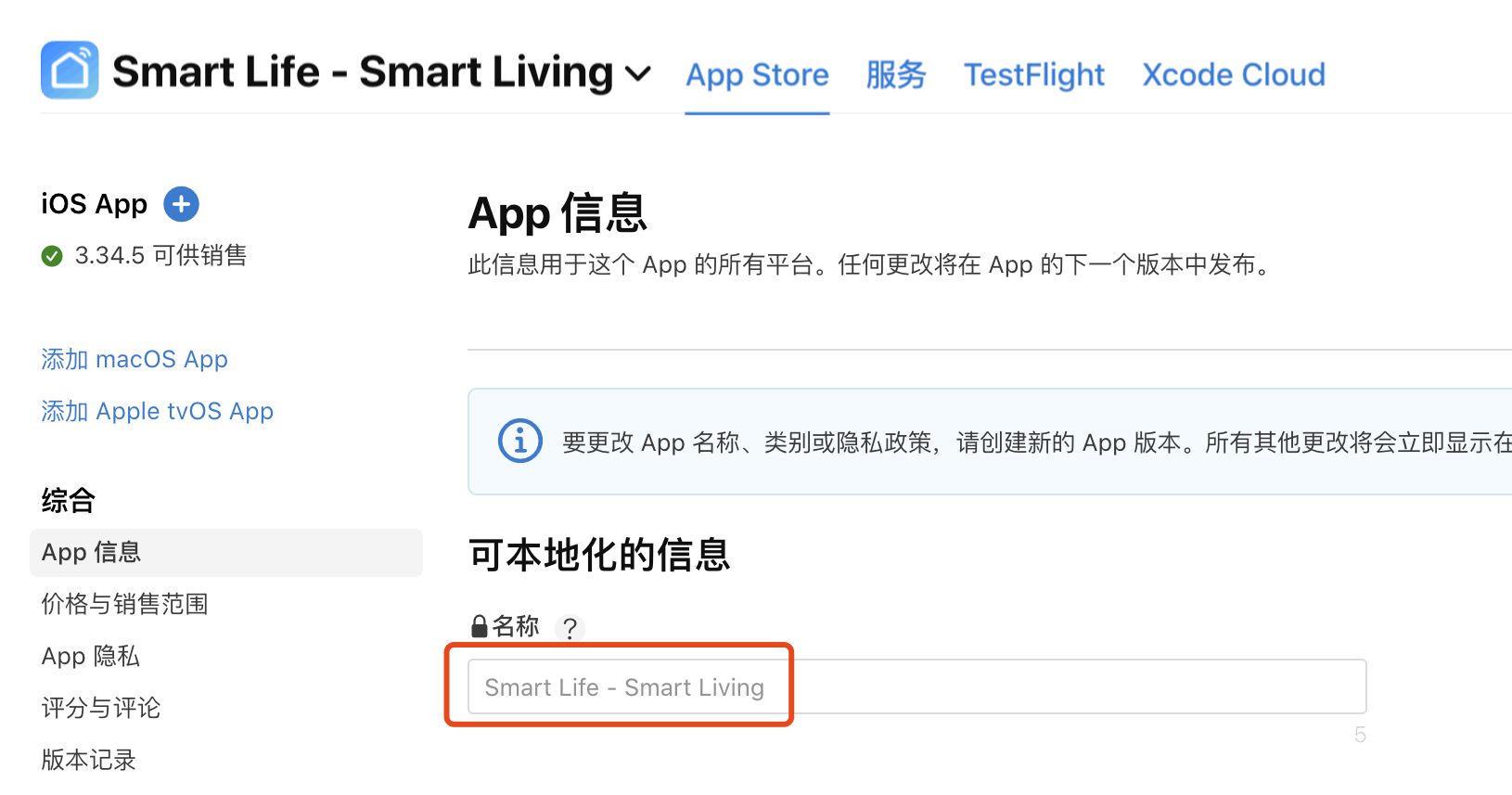 |
- |
| Apple Store URL | 例如,智能生活的 Apple ID of App 为 1115101477,所以链接为 https://apps.apple.com/app/id1115101477。 |
该 URL 需要您拼接,格式为 https://apps.apple.com/app/id[Apple ID of App]。 |
| Apple ID of App(非必填) | 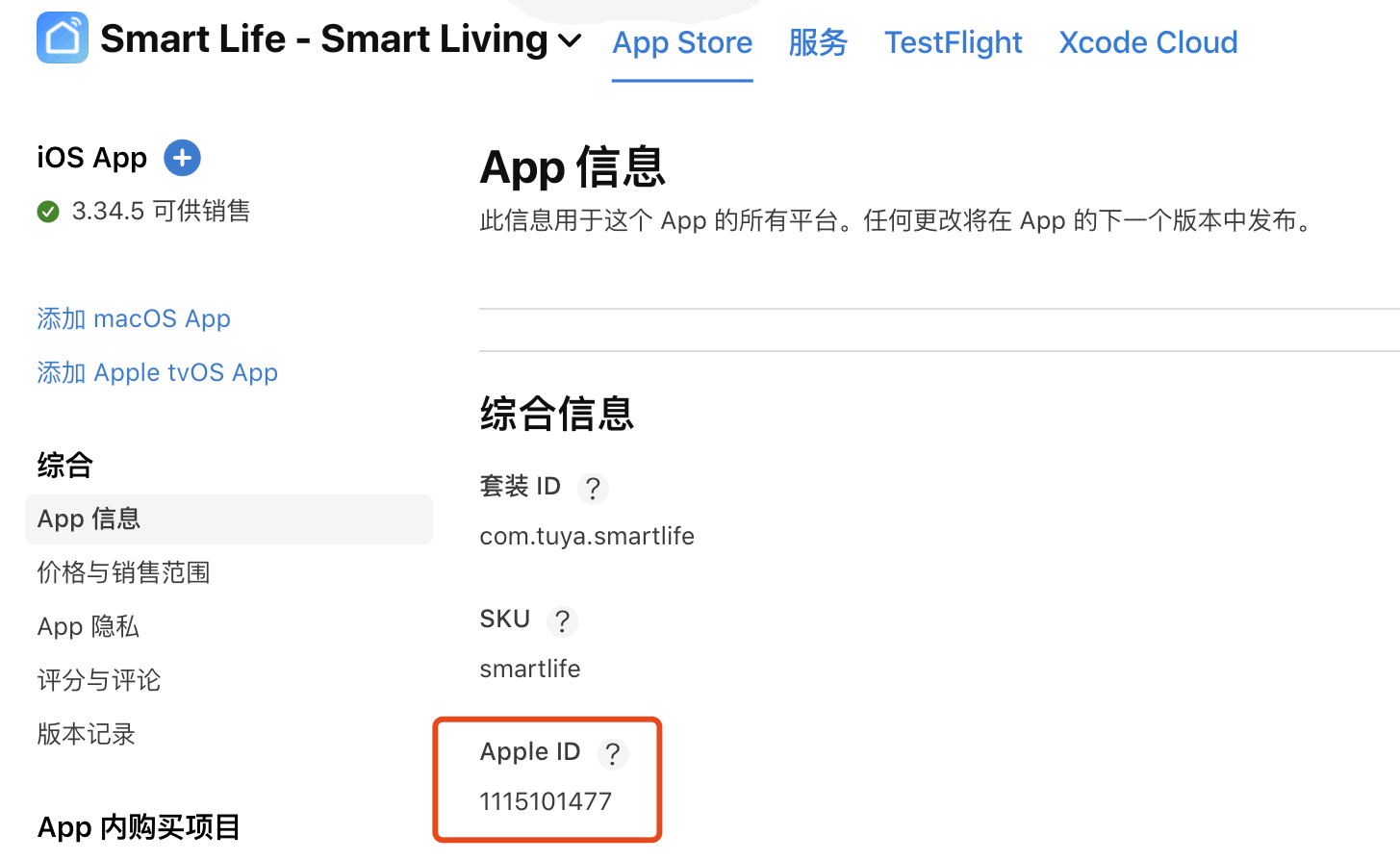 |
- |
| App Category | 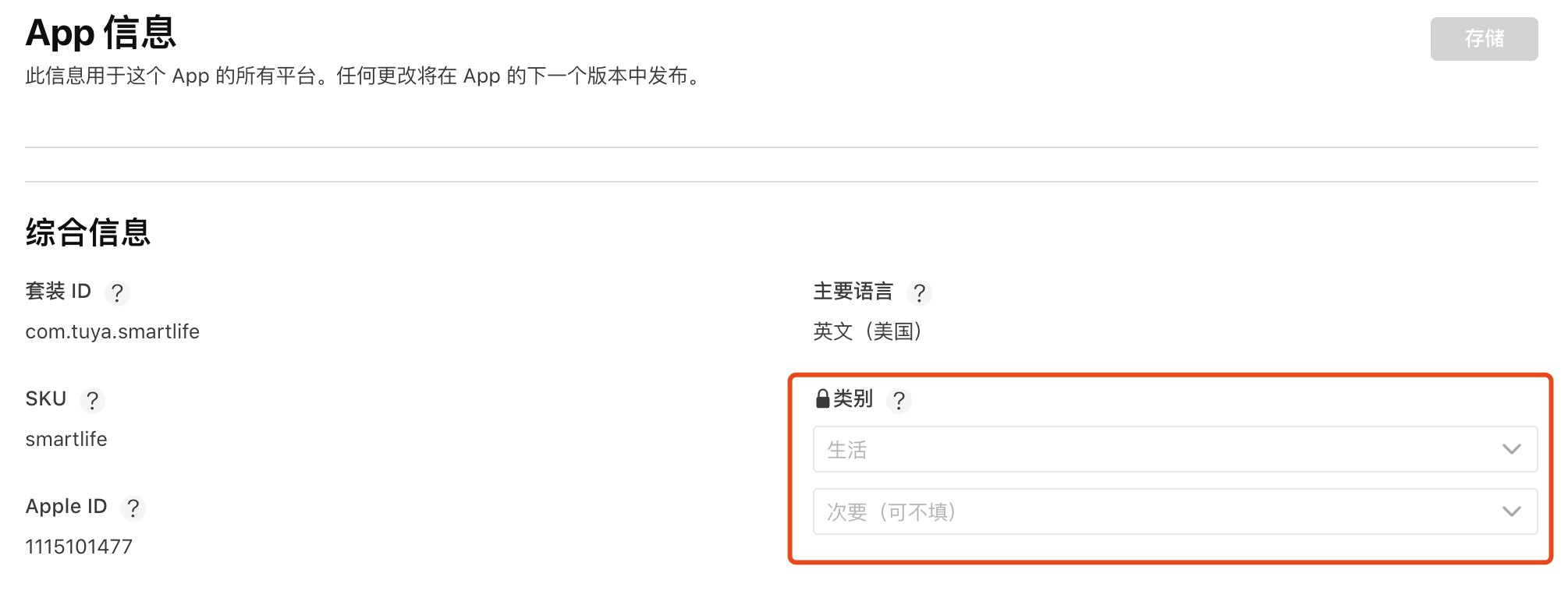 |
- |
| Describe the main purpose of your app | 用于家居场景,提供设备配网、设备控制、固件升级、自动化等。 | 请勿直接使用右侧文案,根据您 App 的应用场景做一定调整。 |
| Explain why your app needs to send multicast or broadcast traffic, or browse for all Bonjour service types. | 我们的 App 需要和我们的硬件设备进行通信,由于 IP 地址和端口不固定,使用自定义的广播组播协议进行通信,使用 UDP 6666、6667,TCP 6668 端口。例如,需要将设备信息注册到云端的场景。App 发送包含经过加密的 UDP 广播包或者组播包。设备 Wi-Fi 芯片在接收到该 UDP 包后,通过特定的 UDP 组织形式就可以解密出信息,接着设备进行 Wi-Fi 配置后即可上网连接云端。 | 请勿直接使用右侧文案,建议在描述上做一些调整,但必须包含 UDP 6666、6667,TCP 6668 端口 这些内容。 |
Thank you for your submission.
We’ll review your request and contact you soon with a status update.
Request ID: HZ5RT74G99
三、数据格式
创建新家
1 | "result" : { |
常见问题
1 | https://github.com/tuya/tuya-home-ios-sdk-sample-swift 最新的 feat: Release SDK 7.5 demo 无法编译 |
AI答:
确保
thing_custom_config.json文件已正确配置并放置在工程中,参考 框架接入 。确认
Podfile中包含ThingSmartBusinessExtensionKit依赖项,执行pod install并检查模块安装是否成功 。验证
Bridging-Header.h文件中是否正确引入头文件,参考:1
2
``` 。检查 Xcode 项目设置中的
Framework Search Paths和Header Search Paths是否包含 SDK 安装路径 。清理项目并重新编译,必要时清除 Xcode 和 CocoaPods 缓存 。
【提示:AI自动生成,仅供参考】
答案来源请参考:迁移指南
答案来源请参考:快速集成
答案来源请参考:iOS SDK 使用过程中遇到模块无法找到的问题如何解决?
设备的尝试
1、我们先用一台可以接入涂鸦app的设备来运行demo,如”涂鸦热水器计量插座”
2、在 https://platform.tuya.com/oem/sdkList 上新建使用App SDK 方式开发的app信息,之后将该信息填入 https://github.com/tuya/tuya-home-ios-sdk-sample-swift Demo中。
所创建的app需要以下 Capabilities
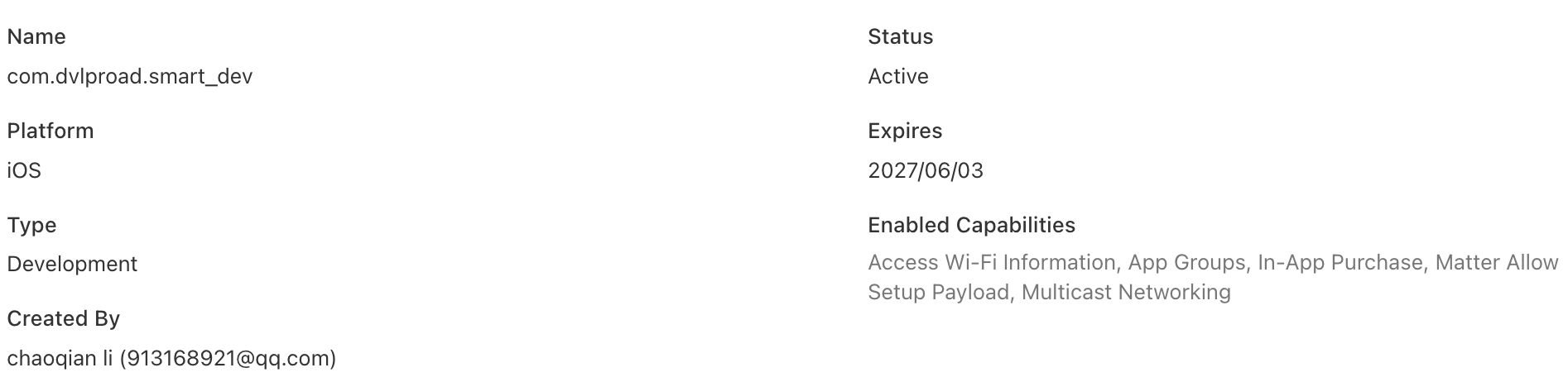
如果缺少都会有问题。
常见的缺少情况:
NEHotspotNetwork nehelper sent invalid result code [1] for Wi-Fi information request
必须拥有 Access Wi-Fi Information 授权
这是 Xcode 中的一项能力 (Entitlement),是获取 Wi-Fi 信息的“钥匙”。配置方法:在 Xcode 中,点击你的项目 Target → Signing & Capabilities → 点击 + Capability → 搜索并添加 Access Wi-Fi Information。
3、运行项目,将设备置于配网状态,确保涂鸦app可以扫描得到。之后我们通过我们的app扫描,依次使用EZ mode等方式,如下是使用EZ mode 的方式。
注意:不要觉得扫描不出来就是有问题,有可能是你配置不到位。如下。
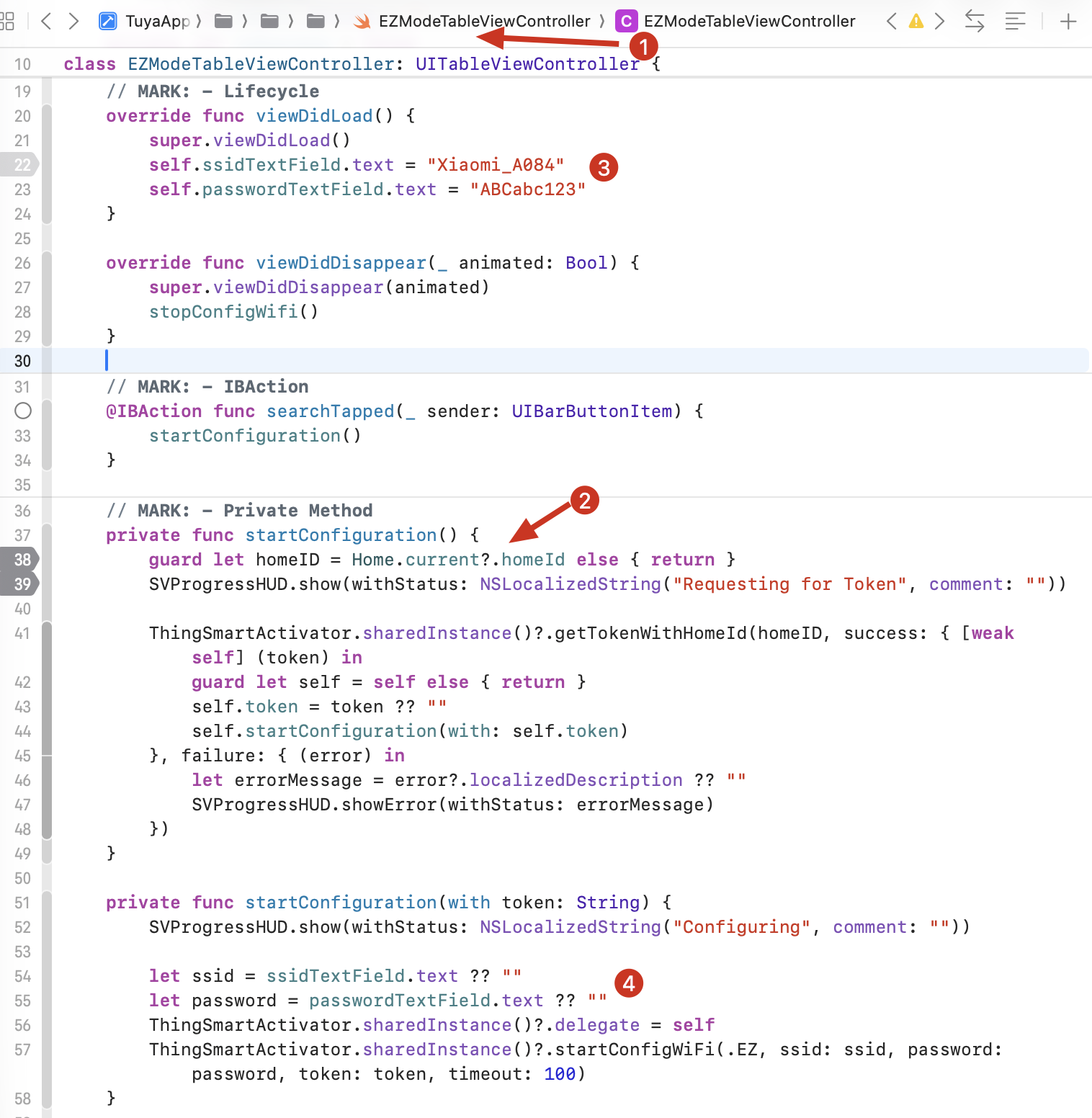
从代码中可以看出我们需要先创建家庭homeid,才可执行下去。