参考文章:
github push代码不成功
问题一:Support for password authentication was removed on August 13, 2021. Please use a personal access token instead.
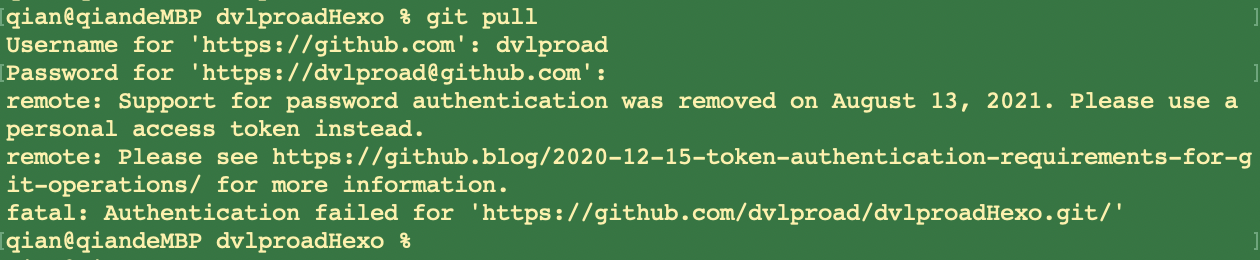
remote: Support for password authentication was removed on August 13, 2021. Please use a personal access token instead.
remote: Please see https://github.blog/2020-12-15-token-authentication-requirements-for-git-operations/ for more information.
意思就是你原先的密码凭证从2021年8月13日开始就不能用了,要使用个人访问令牌(personal access token),就是把你的密码替换成token。
解决:github push更新token验证方式。
1、Please use a personal access token instead.(密码方式不适用了,需改使用token方式登录)
1、登录github官网进入setting

2.页面拉到底 找到 Developer Setting
3.右侧菜单栏找到Personal access tokens 点击后 找到右上角的Generate new token

4、token的使用
在终端上cd到要项目中,然后执行git pull。

此时弹出
Username for ‘https://github.com‘: 此处输入你github 用户名
Password for ‘https://用户名@github.com’:把复制的token粘贴到此处(这里原先是输入密码的现在改成token)回车就好了
2、Failed to connect to github.com 443(登录方式是token了,但连接失败。)

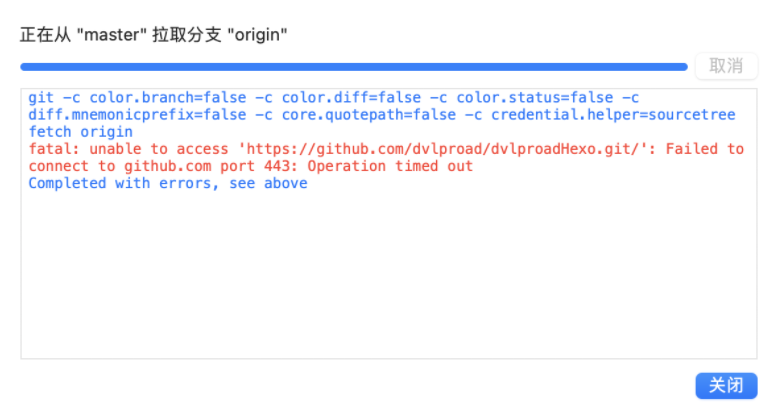
解决方式,终端输入如下命令:
git config –global http.proxy
3、remote: Write access to repository not granted.(connect上了,但其他操作失败,需指定token的权限)

解决:
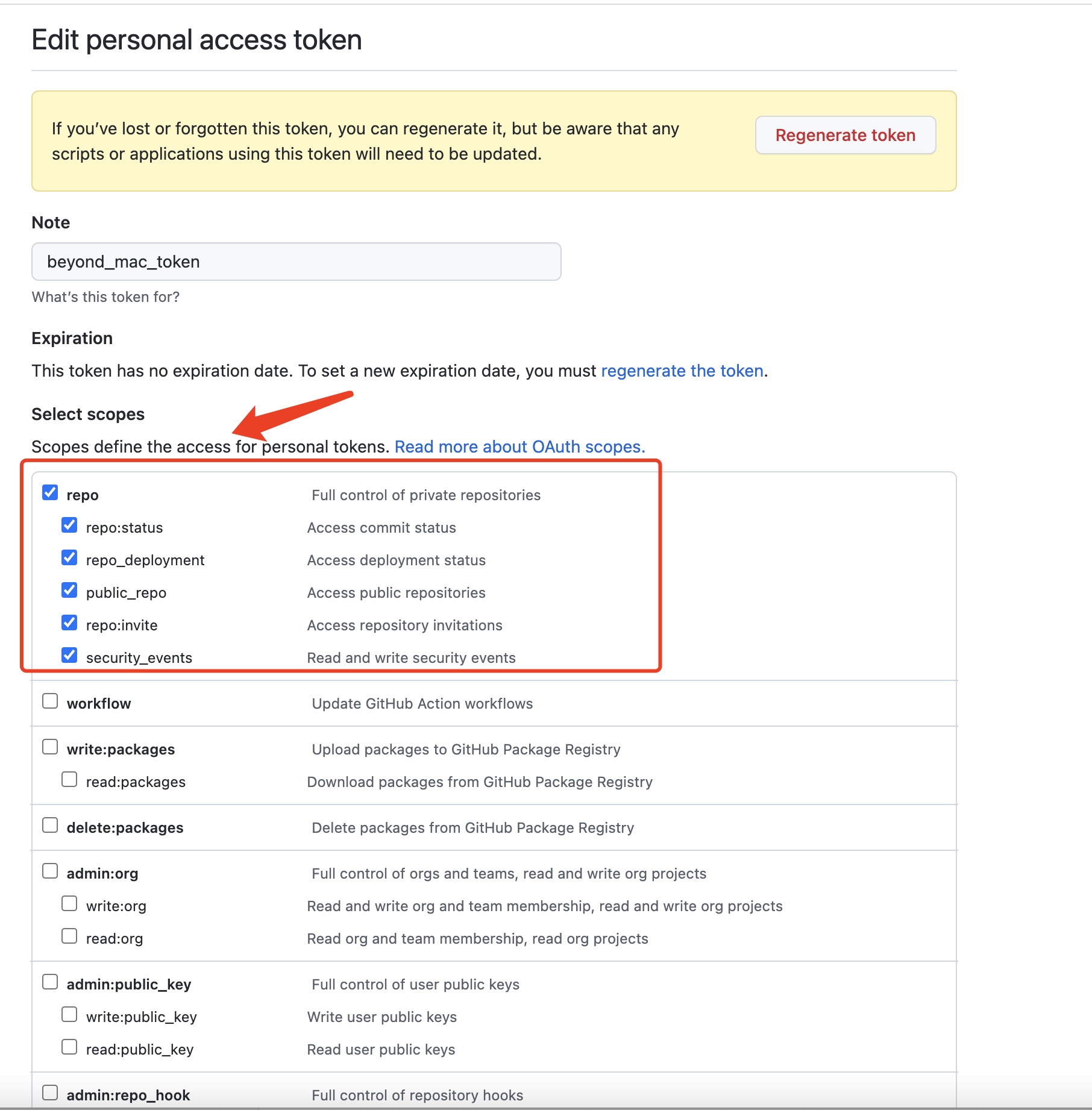
创建的时候下面的权限和是否设置过期时间(我是吧所有权限都勾选了) 根据自己情况选择 最后创建完后 吧token复制下来
4、LibreSSL SSL_connect: SSL_ERROR_SYSCALL in connection to github.com:443

fatal: unable to access ‘https://github.com/dvlproad/001-UIKit-CQDemo-Flutter.git/‘: LibreSSL SSL_connect: SSL_ERROR_SYSCALL in connection to github.com:443
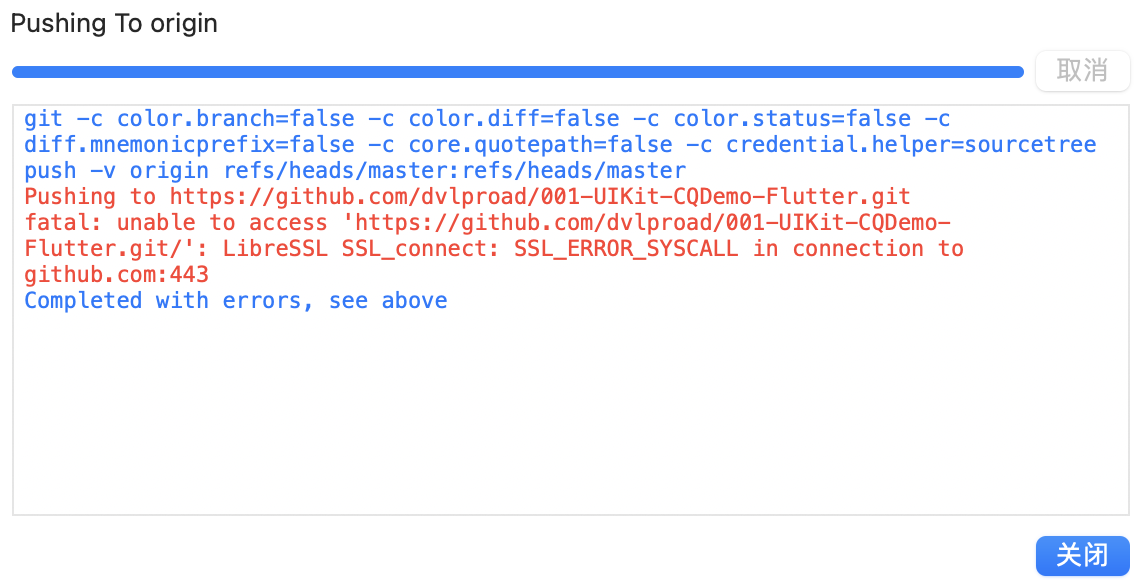
解决:终端输入
git config http.sslVerify “false”
git config –global http.sslVerify “false”
三、访问GitHub遇到SSL_ERROR_SYSCALL错误解决方法
其他参考文章:访问GitHub遇到SSL_ERROR_SYSCALL错误解决方法
检查1:电脑上是否有curl-openssl(一般都有)
openssl version

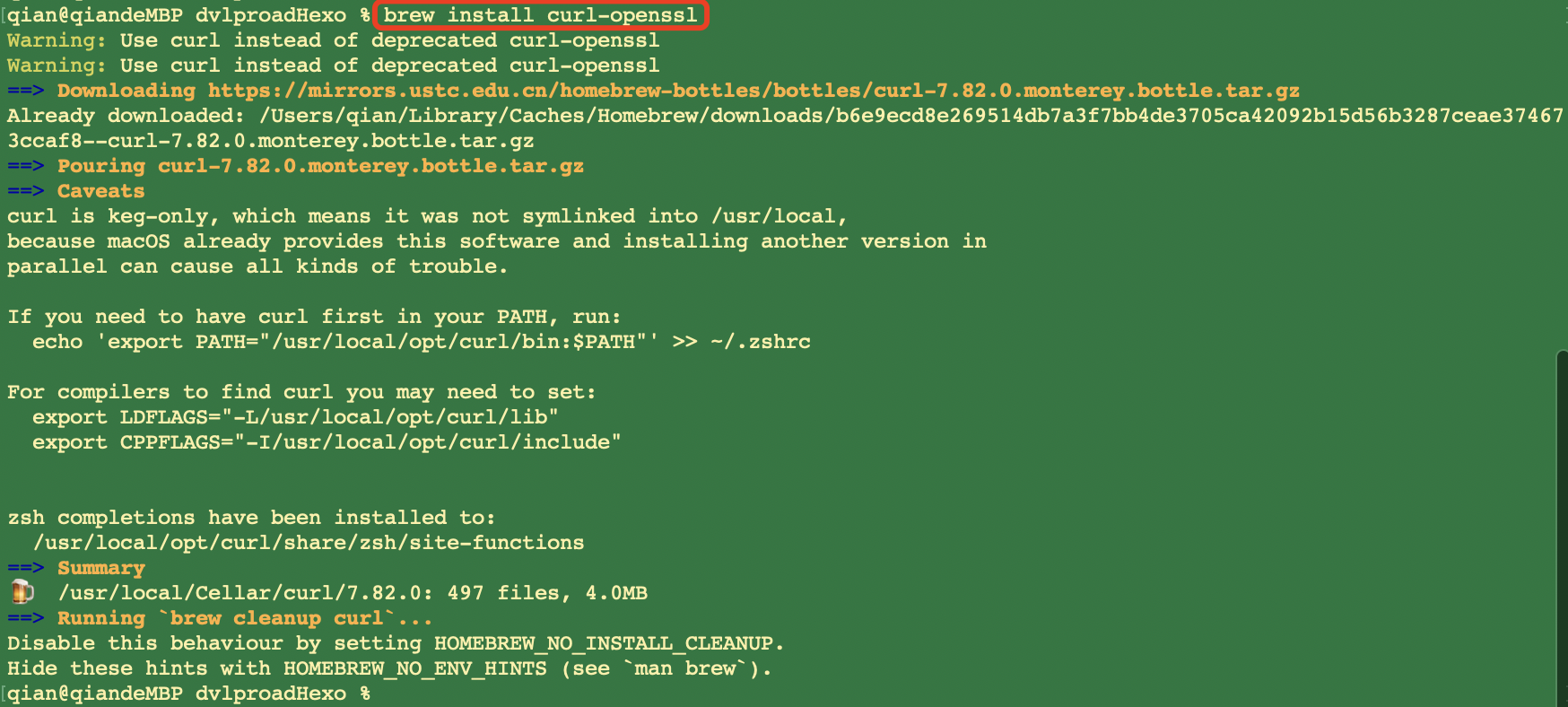
如果没有,则安装curl-openssl。安装方法如下:
1 | brew install curl-openssl |
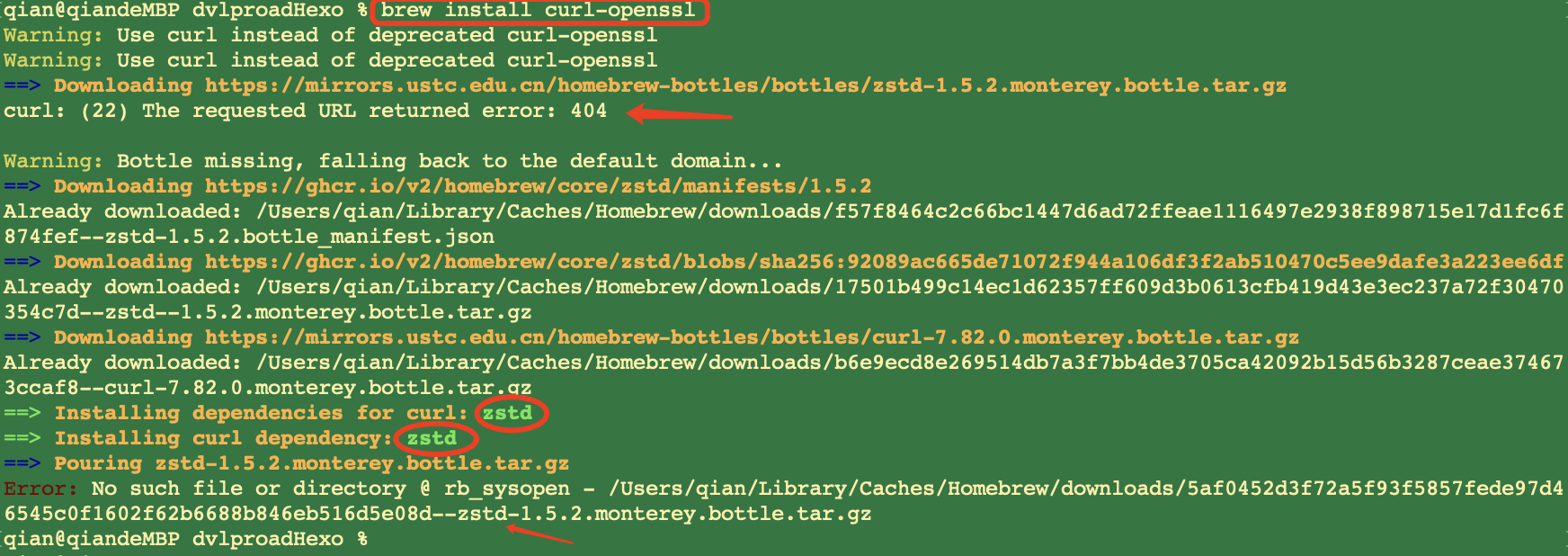
2、安装xxx时候失败,Error: No such file or directory @ rb_sysopen
1、原因
原来是一个依赖包下载不成功(harfbuzz-3.1.1.arm64_monterey)
解决:使用brew单独安装即可,然后再就是再次下载之前的包
用brew单独下载依赖包,就避免了找不到依赖版本的错误
1 | brew install zstd |
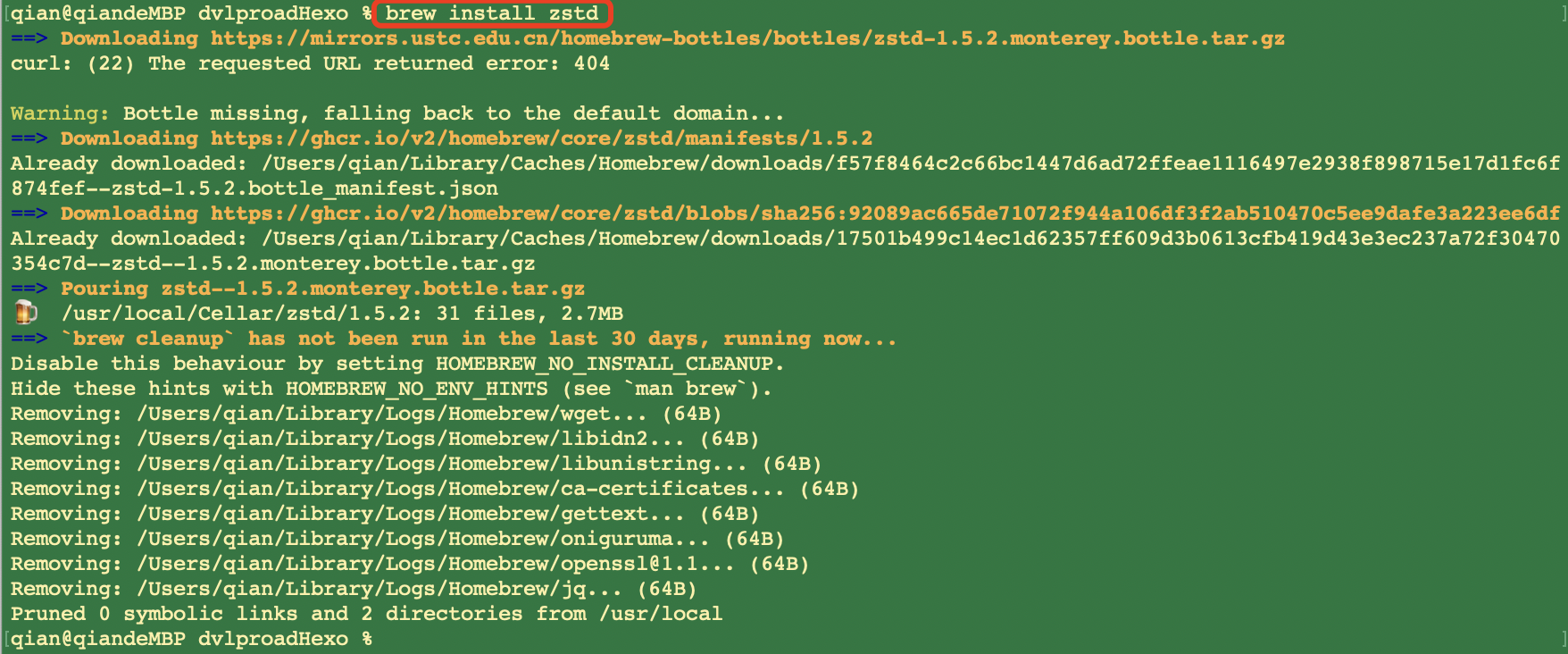
之后再返回继续执行之前的
1 | brew install curl-openssl |